Roblox Kids and Roblox Select Accounts: What Changed in 2026
 By Vini Gürk · Editor
Published Oct 10, 2026 · 4 min read
In this guide
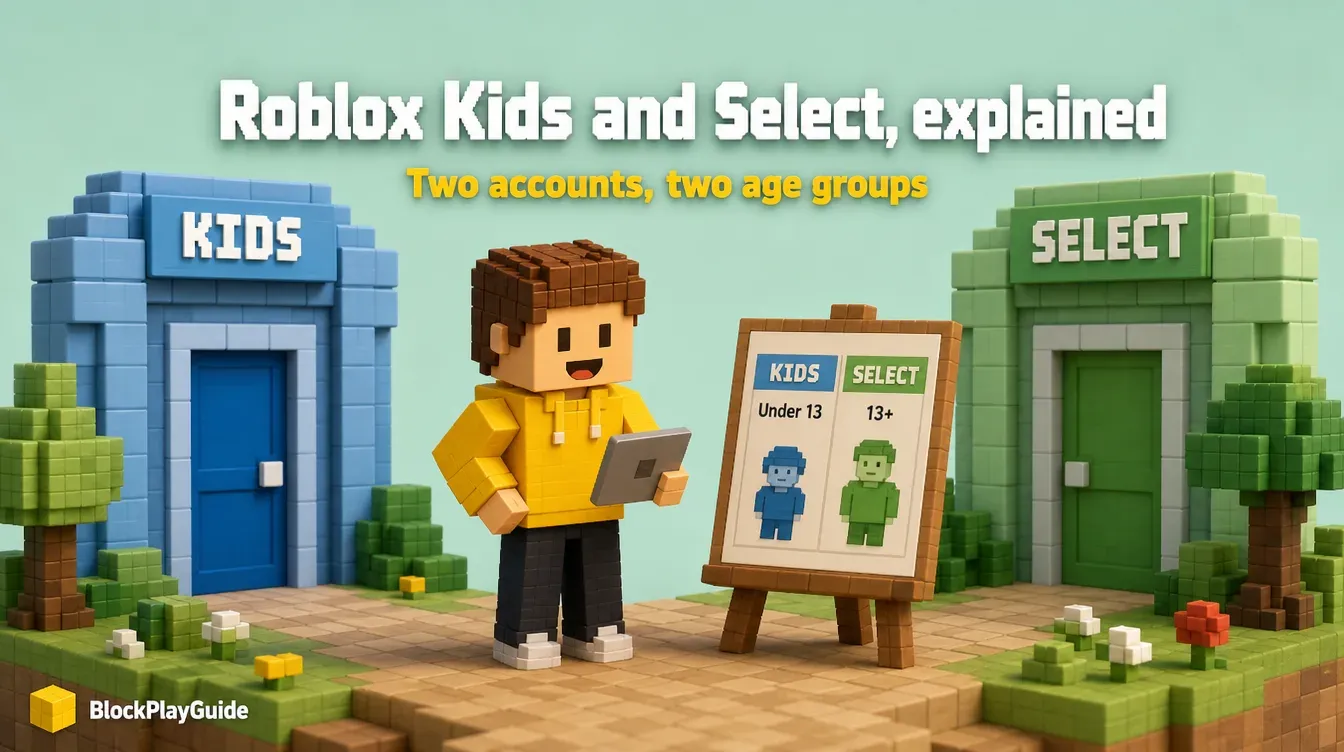
Since June 2026, every Roblox player under 16 lands in one of two new account types: Roblox Kids or Roblox Select. The account type decides which games show up, how chat works and which parent tools apply. This page covers what each one allows and what to check at home. For the full setup of parent controls, start with our Roblox parents guide.
The three account types at a glance
Roblox now sorts players into three accounts by age. Roblox says the exact ages, games and settings vary by region, so treat the table as the typical setup.
| Account | Ages | Games shown | Chat |
|---|---|---|---|
| Roblox Kids | 5-8 | Rated Minimal or Mild, after extra review | Off by default; a linked parent can allow it |
| Roblox Select | 9-15 | Rated Minimal, Mild or Moderate, after extra review | Opens up gradually; parents can change it |
| Roblox | 16+ | All ratings except Restricted (18+) | On, for age-checked users |
Roblox Kids accounts have a blue background, so a parent can tell at a glance which account a child is using. Roblox says the Kids and Select catalogs together hold tens of thousands of games, including well-known titles such as Grow a Garden in the US.
How the rollout happened
| Date | What Roblox did |
|---|---|
| April 13, 2026 | Announced Roblox Kids and Roblox Select |
| May 2026 | Limited launch in Australia, Indonesia, the Netherlands and New Zealand |
| June 16, 2026 | Made both account types available worldwide |
The accounts build on the chat age check that went global in January 2026. That check still controls chat: a player who has not completed an age check cannot chat on Roblox, at any age. Our age check guide explains how the check works and what happens to the images.
Which games make it into Kids and Select
A game does not appear in these catalogs just because its rating fits. Roblox describes an extra selection process on top of the rating:
- The developer has to verify their ID and turn on two-step verification, plus meet a subscription or publishing-fee requirement.
- Roblox watches how older players (16+) react to new games and reviews their reports before a game is offered to younger accounts.
- Some kinds of games are left out by default: social hangouts, free-form drawing games, games built around sensitive issues, and games with one-to-one chat.
Roblox Moments, the short gameplay-video feed, was not available to Kids or Select accounts at launch.
How kids get placed and move up
Placement is automatic. An age check (a face scan through the device camera, or a government ID for users 13 and up) puts the child in the matching account. A linked parent can also set the age.
During the transition, kids who have not done an age check are placed by the birthday they typed in: ages 5-8 get the Roblox Kids catalog and ages 9 and up get Roblox Select. To reach games outside that catalog, the child has to complete an age check.
When a birthday passes a line, Roblox moves the account on its own: Kids to Select at 9, Select to standard Roblox at 16. If the age is wrong, a linked parent can correct it once in Parental Controls.
What parents control at each age
Roblox’s June announcement lists which controls last until which birthday:
| Until the child turns | A linked parent can |
|---|---|
| 13 | See the friend list, block or report users, approve or decline Trusted Friend requests, set screen-time and spending limits |
| 16 | Change chat settings, allow or block specific games |
| 16-18 | Keep visibility into spending notifications, screen time and friends |
The new tool here is game approval. If a game your child wants is not in their catalog, you can approve that one game instead of changing the whole content setting. It works the other way too: you can block a single game even when its rating is allowed.
For the money side, our spending limits guide walks through the monthly cap and purchase alerts.
A short checklist for this week
- Open Parental Controls from your own linked account and check the birthday Roblox has for your child.
- Look at which account type the child is in (blue background means Roblox Kids).
- Decide on chat: leave it off for a Kids account, or review the settings for a Select account.
- Approve or block any specific games you have already talked about.
- Play one game together and show your child the Report and Block buttons.
Parent note: the catalog filter cuts down on what a child sees, but it does not replace talking about strangers and scams. If anyone offers free Robux in exchange for a password, that is a scam (why).
Sources checked October 2026: Roblox newsroom: Introducing Roblox Kids and Select accounts (April 13, 2026), Roblox newsroom: What families need to know (May 20, 2026), Roblox newsroom: Kids and Select now globally available (June 16, 2026).
Frequently asked questions
What is the difference between Roblox Kids and Roblox Select?
Roblox Kids is for ages 5-8 and only shows games rated Minimal or Mild, with chat off by default. Roblox Select is for ages 9-15 and adds games rated Moderate, with chat opening up gradually.
When did Roblox Kids and Roblox Select launch?
Roblox announced them on April 13, 2026, launched them first in Australia, Indonesia, the Netherlands and New Zealand, and made them available worldwide on June 16, 2026.
Can my child play a game that is not in their catalog?
A linked parent can approve specific games that the child's account type would not show by default. You can also block single games the rating would allow.
Does my child need a face scan to use Roblox Kids?
No age check is needed to be placed in a catalog, because self-declared age is used during the transition. An age check is needed for chat and for games outside the assigned catalog.
What happens when my child turns 9 or 16?
Roblox moves the account automatically: from Roblox Kids to Roblox Select at 9, and from Roblox Select to a standard Roblox account at 16.