Roblox Account Hacked? What to Do in the First Hour
 By Vini Gürk · Editor
Published Oct 9, 2026 · 4 min read
In this guide
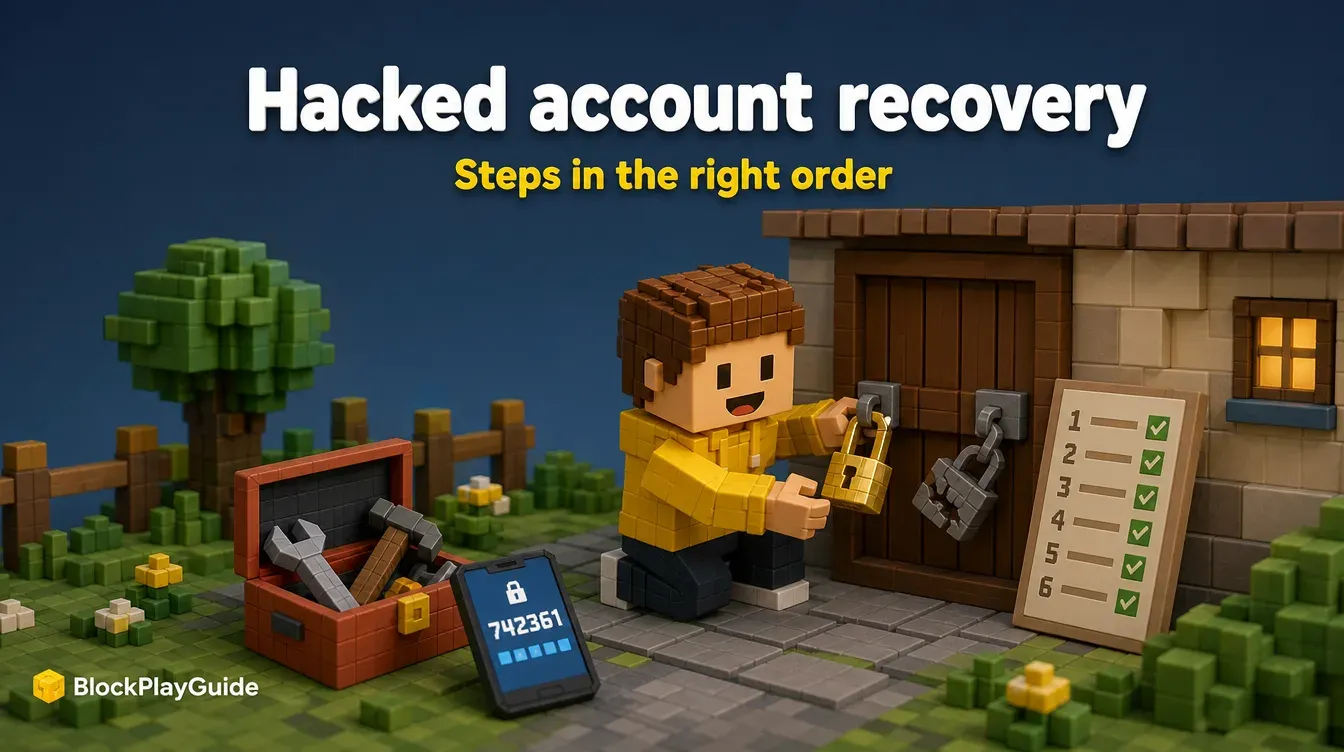
If a Roblox account suddenly has a new password, missing items or strange messages sent from it, act fast but in the right order. Changing the password on a device that still has malware can hand the new password straight back to whoever took it.
These are the steps from Roblox’s help center, in order, plus what to check once you are back in.
Step 1: clean the device first
Roblox’s help center puts this before anything else. If someone got in through a bad download or extension, it can let them back in after you reset.
- Run a full virus scan on the computer.
- Remove browser extensions you do not fully trust.
- Restart the computer and run the scan one more time.
Do this on every device the player uses for Roblox, including a shared family laptop.
Step 2: reset the password
If you can still log in, change the password in Settings. If you cannot:
- On the Roblox login page, click Forgot Password or Username?
- Enter the account’s email and press Submit, then use the Reset Password button in the email. Check the spam folder if it does not show up.
- No email? Use the Phone tab instead. Roblox sends a 6-digit code to the phone number on the account.
- Choose a brand-new password that is not used anywhere else.
If the account had no email or phone number, the reset tool cannot help, and you need Roblox Support (see step 5).
Step 3: turn on 2-Step Verification
Go to Settings → Security and turn on 2-Step Verification. Roblox recommends the Authenticator app method. With it on, a stolen password alone is not enough to log in. Our account security guide compares the methods and covers recovery codes.
Step 4: check what the intruder did
Once you are back in, look around before you relax.
| Where | What to look for |
|---|---|
| Settings → Security → Where you’re logged in | Devices you do not recognize. Log them out, or use Log Out of All Other Sessions. |
| My Transactions (click the Robux icon, then the amount) | Purchases or Robux movements nobody in the house made |
| Inventory | Missing items, especially Limited items |
| Messages and friends | Messages sent from the account, or new friends you did not add |
Roblox also has a feature called Delayed Actions. When a sensitive action, such as moving Robux or game ownership, comes from an unfamiliar device, Roblox may hold it for a waiting period (typically several hours) and send a notification by email and to your other devices. If you get one and it was not you, click No, it’s not me. That logs the unauthorized person out.
Step 5: contact Roblox Support when a reset is not enough
If you cannot get back in, contact Roblox Support. To help prove the account is yours, write from either:
- the first email address ever added to the account, or
- the billing email used for the account’s very first payment.
That original information still helps even if the hacker changed the email. Roblox reviews each case and says this information does not guarantee recovery.
About lost items and Robux: Roblox does not promise to restore them. In very limited cases it may offer to recover lost inventory or its approximate value, and you must contact Roblox within 30 days of the compromise. Do not wait.
How the account was probably taken
Roblox’s help pages point to a few patterns again and again:
- Free Robux offers. Roblox says any offer of free Robux, subscriptions or valuable items is a scam meant to get a password or a click. See our guide on why Robux generators are scams.
- Passwords typed on the wrong page. Only enter a password on the Roblox login page.
- Deals outside Roblox’s Trade and Sell features. Roblox cannot enforce them or return items if the other person breaks the deal. Lending an account or items is a common trick.
- “Recovery services” that message you. Use Roblox Support only.
To cut down on bad trade offers, set the Trade Quality Filter under Account Settings → Privacy & content restrictions → Trading & inventory. Report scammers with the Report Abuse button. For a child’s account, linking a parent account adds another layer; our parents guide explains how.
Sources checked October 2026: Roblox help: my account was hacked, Roblox help: I forgot my password, Roblox help: Delayed Actions, Roblox help: avoid trading scams, Roblox help: free Robux scams, Roblox help: sessions.
Frequently asked questions
What is the first thing to do if a Roblox account is hacked?
Remove anything harmful from the device first: run a virus scan, remove browser extensions, restart and scan again. Then reset the password and turn on 2-Step Verification.
How do I reset a Roblox password if I can't log in?
Click Forgot Password or Username? on the Roblox login page and use the email or phone number on the account. A phone reset sends a 6-digit code.
What if the hacker changed the email?
Contact Roblox Support using the first email address added to the account or the billing email from the account's very first payment. Roblox uses those to check ownership.
Will Roblox give back stolen items or Robux?
Roblox does not guarantee it. In limited cases it may restore lost inventory or its approximate value, and you must contact Roblox within 30 days of the compromise.
What does No, it's not me do?
When Roblox delays a sensitive action from an unfamiliar device, it sends a notification. Clicking No, it's not me logs the unauthorized person out of the account.