How to Make and Sell Roblox Clothing and UGC Items
 By Vini Gürk · Editor
Published Oct 8, 2026 · 4 min read
In this guide
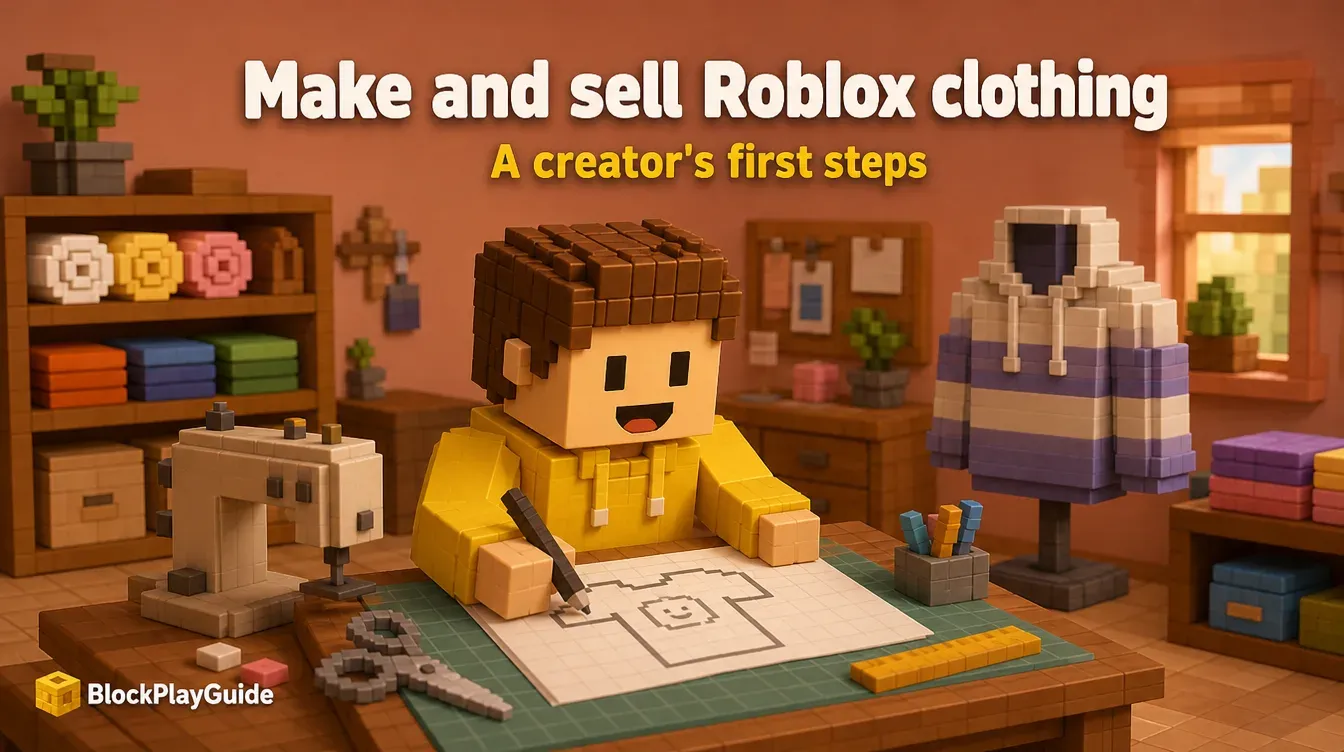
Designing avatar items is the main way to earn Robux for creators who prefer art over building games. You can start with flat classic clothing (shirts, pants, t-shirts) or move up to 3D UGC accessories like hats and hair. Both need more account setup and Robux up front than a game pass, so here is exactly what Roblox requires and what it costs.
Classic clothing vs UGC accessories
| Classic clothing | 3D UGC accessories | |
|---|---|---|
| What it is | A flat image wrapped on the avatar using a template | A 3D model: hats, hair, jackets, shoes and more |
| Tools | Any image editor | 3D software such as Blender, plus Roblox Studio |
| Skill needed | Beginner | Intermediate to advanced |
| Publishing advance | 10 Robux | 600 to 2,500 Robux depending on type |
| Upload fee | 80 Robux per submission | 80 Robux per submission (500 with an emissive mask) |
Most new creators start with classic clothing because it is cheap to try and teaches the Marketplace basics.
Account requirements
Roblox requires all of the following to publish avatar items and keep them on sale:
- Verification: government-issued ID verification (13+), or a linked parent account.
- 2-step verification turned on.
- A membership: Roblox Plus or a legacy Premium 1000/2200 plan. Premium is no longer sold to new members, so new creators use Plus. Our Premium vs Plus breakdown covers the cost.
For a teen, these steps go much smoother with a parent sitting alongside, which is also a good chance to set up account security.
Fees: what you pay to publish
Upload fee. 80 Robux each time you submit an item (500 if it uses an emissive mask). Roblox does not refund it if moderation rejects the item, so read the Marketplace policy before uploading.
Publishing advance. A refundable deposit Roblox collects when you put an item on sale. It comes back to you as the item earns. Examples from Roblox’s fee table:
| Item type | Publishing advance |
|---|---|
| Classic t-shirt, shirt, pants | 10 Robux |
| Layered jacket, sweater, shirt, pants, dress, skirt, shorts, shoes | 600 Robux |
| Hair, neck, shoulder, front, back, waist accessories | 1,000 Robux |
| Hats, faces, heads, emotes | 1,500 Robux |
| Bodies | 2,500 Robux |
Limited items require larger advances.
What you earn per sale
Roblox’s commission depends on where the sale happens and how you price:
- Marketplace sale: base creator commission is 30% at the price floor and rises as your price goes higher above it. Roblox’s table: 1.3x floor = 37%, 1.5x = 41%, 2x = 50%, 3x = 62%, 4x = 67%, 5x = 69%, and 6x or more = 70%.
- Sale inside someone else’s game: creator 30%, game owner 40%.
- Limited resale: the original creator gets 10% and the reseller 50%.
Earnings are held for 30 days before they become available. Price floors per item type are listed in the Creator Dashboard pricing page.
Getting started with classic clothing
- Download the template for shirts or pants from Roblox’s Creator Hub. It shows where each part of the image lands on the body.
- Design on the template in an image editor, keeping your art inside the marked areas.
- Test in Studio on a dummy avatar before paying any fee.
- Upload through the Creator Dashboard, pay the fee and wait for moderation.
- Set a price at or above the floor and put it on sale.
- Group items into a style (a matching shirt and pants) so buyers find more of your work.
Moderation mistakes that cost Robux
- Copying logos, characters or another creator’s design. Rejected, and the upload fee is gone.
- Inappropriate images or text. Same result, and repeat violations can hit the account.
- Ignoring the template layout. The item looks broken and gets bad reviews even if approved.
- Buying “cheap upload” services that ask for your password. Never share it; see why generator sites are scams for the same pattern.
For the full earning path, start with how to earn Robux step by step. Building games instead? Sell game passes. Ready to cash out? DevEx explained.
Sources checked October 2026: Creator Hub: Marketplace fees and commissions, Creator Hub: Marketplace policy, Creator Hub: publish to Marketplace, Creator Hub: Developer Exchange.