Best Minecraft Shaders for Low-End PCs (Iris and OptiFine Status)
 By Vini Gürk · Editor
Published Oct 10, 2026 · 3 min read
In this guide
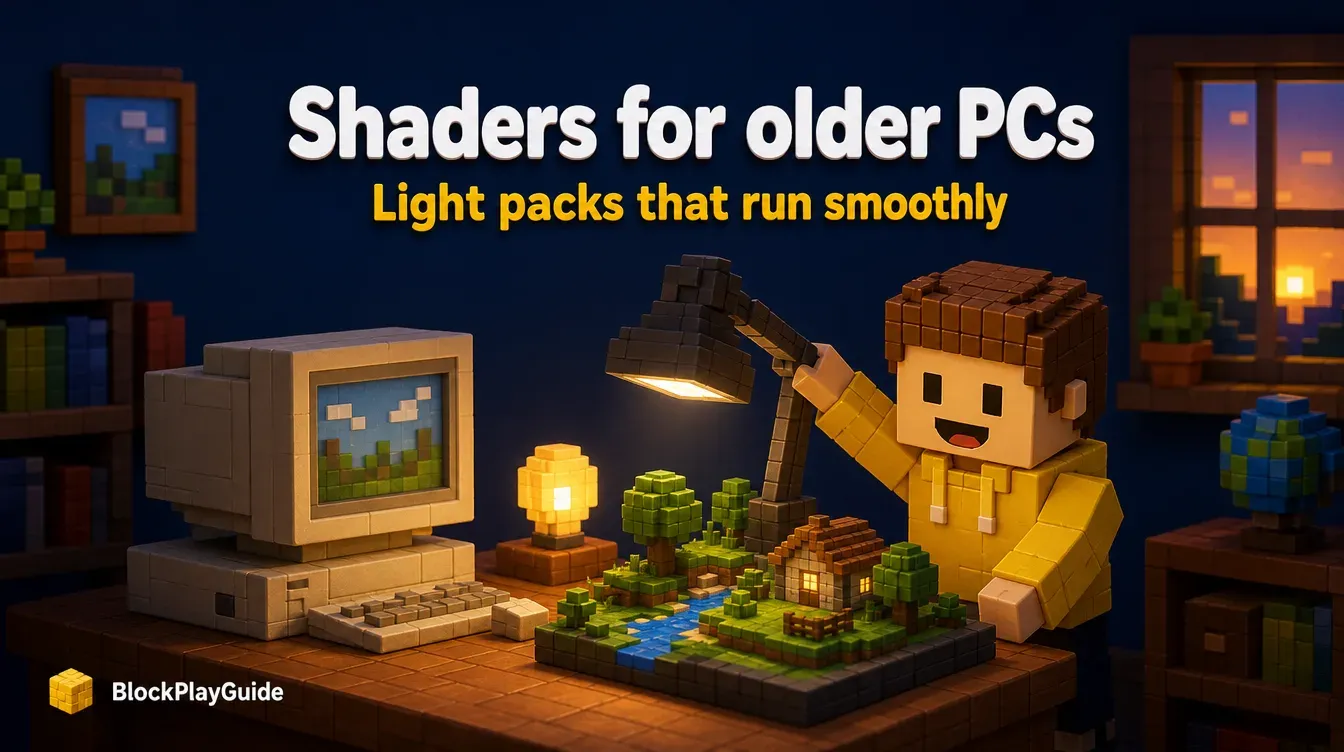
Shaders add real-looking light, shadows and water to Minecraft: Java Edition, but the heavy ones can make an older laptop crawl. These packs are the ones players download most that also offer a lightweight setting, and below them we cover what each one needs to run on Minecraft 26.3.
What you need first: Iris or OptiFine
Shader packs need a mod to load them. There are two choices.
| Loader | 26.3 status on Oct 10, 2026 | Notes |
|---|---|---|
| Iris (with Sodium) | Release builds for Fabric and NeoForge | Iris 1.11.7 for 26.3 came out September 30, 2026 |
| OptiFine | No 26.3 build yet | Newest is a preview for 26.2, dated September 22, 2026 |
For Minecraft 26.3, Iris is the only option right now. Iris’s site says it works with OptiFine shader packs, supports Fabric and NeoForge, and does not support Forge. On Fabric, Iris lists Sodium as a required mod, and Sodium had a 26.3 release on September 15, 2026. Sodium is a performance mod, so it also helps low-end PCs without any shader.
If you want to stay on OptiFine, you need to play an older Minecraft version that OptiFine supports. Its downloads page listed release builds up to 1.21.11 when we checked.
Shader packs that run on low-end PCs
Modrinth lets authors tag a pack’s performance level, from “potato” up to “high”. This table lists the most downloaded shader packs tagged potato or low, with counts from Modrinth on October 10, 2026.
| Shader pack | Downloads | Low-end tags | 26.3 listed |
|---|---|---|---|
| Complementary Reimagined | about 69.5 million | potato, low | Yes |
| Complementary Unbound | about 45.1 million | potato, low | Yes |
| BSL Shaders | about 30.5 million | low | Yes |
| Photon Shaders | about 28.0 million | low | Yes |
| MakeUp Ultra Fast | about 13.4 million | potato, low | Yes |
| Mellow | about 7.5 million | potato | Yes |
Download counts show popularity, not quality. They change every day.
Our picks for older computers
Complementary Reimagined is the most downloaded shader pack on Modrinth. Its page says it has profiles “ranging from Potato to Ultra,” so start on Potato and move up only if the game stays smooth. Complementary Unbound, the second most downloaded, is a separate project, also tagged potato and low.
MakeUp Ultra Fast says its goal is the best quality per unit of performance and that it can be adapted to anyone’s hardware. It is a good second try if Complementary still stutters.
Mellow describes itself as a painterly pack that is “easy on your eyes and on your computer.” It looks softer than realistic packs and suits kids who just want warmer light.
BSL and Photon are tagged low but not potato. Try them on a mid-range laptop rather than a very old one.
Install shaders with Iris
- Install the Modrinth App or the CurseForge app, then create a Fabric or NeoForge profile for your game version.
- Add Sodium and Iris from inside the app. The app picks the versions that match.
- Download a shader pack from its project page. Leave it as a .zip.
- In the game, open the video settings, find the Shader Packs screen that Iris adds, open the pack folder, drop the .zip in and select it.
- Open the pack’s settings and pick the Potato or Low profile first.
- If it still lags, lower render distance in Video Settings before you give up on the pack.
Our safe mod install guide covers profiles and loaders in more detail, and our modpacks guide lists Fabulously Optimized, a pack built for speed and graphics options.
What about Bedrock, consoles and phones?
Java shader packs do not work on Bedrock Edition. Bedrock has its own graphics mode, Vibrant Visuals, which Mojang introduced in the Chase the Skies update on June 17, 2025. Our Java vs Bedrock guide explains the other differences between the two.
Sources checked October 2026: Modrinth: shaders by downloads · Modrinth: Iris Shaders · Modrinth: Sodium · OptiFine: Downloads · Modrinth: Complementary Reimagined · Modrinth: MakeUp Ultra Fast · Modrinth: Mellow · Iris Shaders · Minecraft: Bedrock 1.21.90 Chase the Skies
Frequently asked questions
What is the best shader for a low-end PC?
Players on Modrinth download Complementary Reimagined more than any other shader pack, and it has profiles from Potato to Ultra. MakeUp Ultra Fast and Mellow are also tagged for potato-level PCs.
Does OptiFine work on Minecraft 26.3?
Not when we checked on October 10, 2026. OptiFine's downloads page listed a preview build for 26.2 as its newest, with nothing for 26.3. Iris did have release builds for 26.3.
Can I use shaders on Bedrock or a console?
Java shader packs do not work on Bedrock. Bedrock has Vibrant Visuals, a built-in graphics mode that Mojang added in the Chase the Skies update in June 2025.
Do I need Sodium to use Iris?
On Fabric, yes. Iris's 26.3 Fabric build on Modrinth lists Sodium as a required dependency, so install both.