Minecraft JEI: Follow a Recipe Chain Without Losing Your Place
 By Vini Gürk · Editor
Published Oct 17, 2026 · 5 min read
In this guide
JEI can show you the recipe for a machine, then the recipe for a component, then another ingredient you have never made. The difficult part is remembering which branch you were following. This guide uses Just Enough Items as a recipe notebook: work backward from the item you want, then craft forward from the ingredients you actually have.
Separate recipes from uses
The JEI project describes a mod for viewing Minecraft items and recipes. Its two lookup directions answer different questions. A recipe lookup asks how to make the selected item; a uses lookup asks what can be made with it.
The CurseForge project page lists these controls. They are documented bindings, not a promise that your modpack has kept them unchanged.
| Action | Listed control |
|---|---|
| Show recipes for an item under the pointer | R |
| Show uses for an item under the pointer | U |
| Show recipes from JEI’s item list | Left-click or R |
| Show uses from JEI’s item list | Right-click or U |
Check Minecraft’s key-binding settings if those actions do not respond. Rebinding or another mod’s shortcut may explain the mismatch. Change a conflicting binding deliberately instead of pressing several keys and losing your place.
Start with one finished item
Search for the item you want in JEI and open its recipes. Read the output, ingredients and recipe category before collecting anything. Two recipes that produce a similar-looking item may not use the same process.
Choose one route that fits the equipment and materials available in your world. Do not combine the ingredient list from one recipe with the processing steps from another. A modpack may also change recipes, so an old video is not a substitute for the recipe shown in your current installation.
Our suggested planning method is to write the finished item’s name at the top of a short paper note. Under it, record the components shown by your chosen recipe. This is a manual exercise, not a claim that JEI creates a complete production plan for you.
Follow one ingredient branch at a time
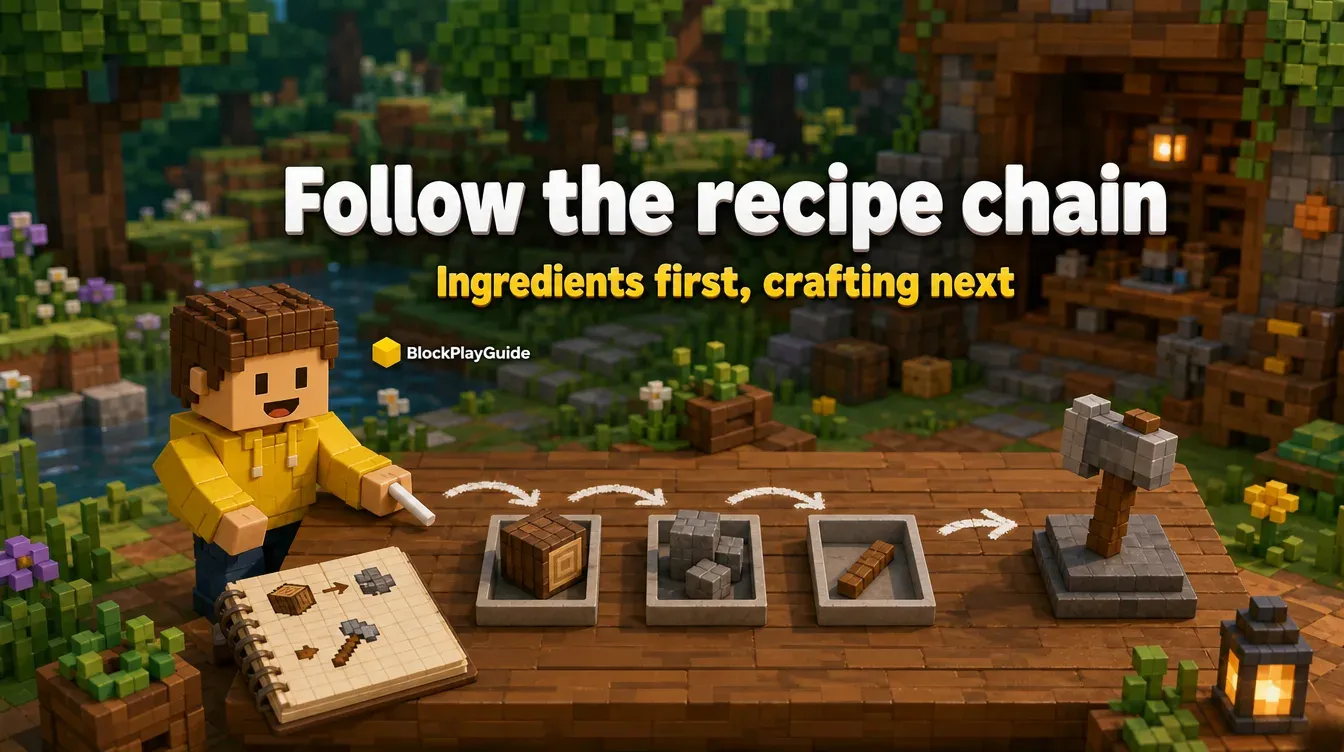
Pick a missing component and open its recipe. If that recipe requires another missing component, follow that ingredient next. Keep the original target on your note so a long chain does not turn into unrelated browsing.
- Name the finished item you want to make.
- Select one displayed recipe for that item.
- List the ingredients you lack.
- Open a recipe for one missing ingredient.
- Repeat until you reach materials you can obtain or already own.
- Return to the note and plan the next unfinished branch.
These are planning steps, not measured efficiency advice. There is no promised number of clicks or minutes saved.
When you find several alternatives, choose one and label it. If your plan changes later, replace that branch rather than adding every possible ingredient to the shopping list. The goal is a readable plan for one route, not a catalogue of all recipes.
Read quantities and outputs together
A recipe’s output matters as much as its inputs. Copy the quantities visible in your game and check how many finished components one operation produces. Do not assume every recipe produces a single item or that one batch will cover every later step.
Keep materials you own separate from materials you merely saw in JEI. The item browser is not your inventory. Opening a recipe does not supply its ingredients or prove you can make it now.
The project page describes a plus button that moves items into the crafting area. Treat that as a convenience when available, not as a substitute for gathering materials. Its availability can depend on your setup. Read the current project instructions before troubleshooting a server connection or changing a shared modpack.
Use the reverse lookup to check a branch
A uses lookup is helpful when you have an ingredient but cannot remember why it was on your list. Hover over it, open uses, and look for the recipe you chose earlier. This checks the connection between a component and your target.
You can also use it to notice that an item belongs to more than one recipe. That does not mean you need to build everything displayed. Keep the original target visible and set aside unrelated possibilities for another session.
Before crafting, read your note from the raw materials toward the final item. Check any required workstation or machine shown in the recipe category. If a step depends on equipment you do not have, revise the route before spending the materials.
Match the installation before troubleshooting
JEI is a Java Edition mod, not a Bedrock add-on. Use its named CurseForge project page and match the specific file to your Minecraft version and loader. A loader is the software that runs mods; a project’s list of supported loaders does not mean every file works with all of them.
Back up worlds before changing mods, and try a separate test installation first. Do not remove or replace a server’s mods without the owner’s agreement. The current project page has server-related requirements that vary by game version, so this guide does not give a universal client-only rule.
Cost note: a JEI download does not include a Minecraft license. Check the project page and the game store for any costs in your region; we quote no US or Canadian price. Reject password requests, paid activation claims from strangers, and executable installers or loose JAR files from video descriptions. See our safe mod installation guide for the wider download checklist.
Parent note: check Minecraft’s current store rating and review the chosen modpack’s content separately. A recipe viewer is not an age-rating review of everything installed alongside it. Help with downloads and backups, then let the crafting plan stay small enough to finish without another shopping or download session.
Sources checked: October 15, 2026. JEI project and controls on CurseForge · JEI upstream repository · JEI developer integration wiki
Frequently asked questions
What is the difference between recipes and uses in JEI?
Recipes show how to make an item. Uses show recipes that take that item as an ingredient.
Which keys open recipes and uses?
The project page lists R for recipes and U for uses while hovering over an item. Check your current key bindings because you can change them and other mods can cause conflicts.
Does looking up a recipe supply its ingredients?
No. A recipe display is information, not an inventory of materials you own. Gather the required ingredients before crafting.
Can I use this Java mod on Bedrock?
JEI is a Java Edition mod, not a Bedrock add-on. Choose a file that matches your Java game version and loader.