Minecraft Seeds Guide: What They Are and How to Use Them
 By Vini Gürk · Editor
Published Oct 8, 2026 · 4 min read
In this guide
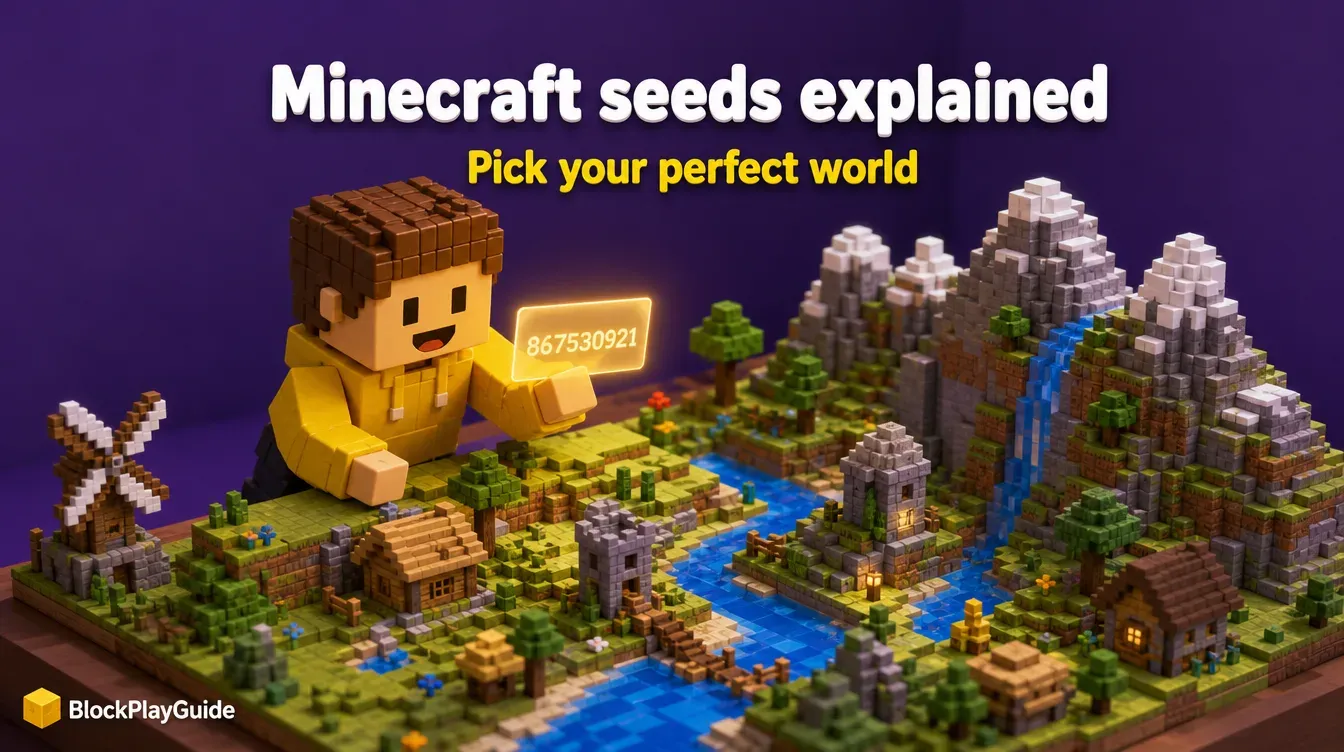
Every Minecraft world starts from a seed. Two players who type the same seed into the same version get the same mountains, rivers and villages, which is why seeds get shared in videos, forums and classrooms. This guide explains what a seed is, where to enter one on each edition, why a seed sometimes builds a different world than promised, and how to find seeds without risk.
What a seed is
When you create a world, Minecraft picks a number and uses it to work out the terrain: where biomes sit, where caves run, where villages appear. That number is the seed. If you leave the seed box empty, the game picks one at random. If you type one in, you get the world that number produces.
Minecraft’s Bedrock 1.18.30 release notes give the range: worlds can be created with 64-bit seeds, from -9223372036854775808 to 9223372036854775807. You can also type words. The same notes say non-numeric seeds on Bedrock now produce the same seeds as Java, so a word like a pet’s name turns into a number behind the scenes.
How to enter a seed
The seed field sits on the world creation screen in both editions. Menu names shift a little between updates, so look for the word “Seed”.
| Step | Java Edition | Bedrock Edition |
|---|---|---|
| 1 | Singleplayer, then Create New World | Play, then Create New, then Create New World |
| 2 | Open the world options tab | Stay on the game settings |
| 3 | Type or paste into the Seed field | Type or paste into the Seed field |
| 4 | Create the world | Create the world |
Bedrock also has a seed picker next to the Seed field with suggested seeds, each described by the biome or structure you spawn near. That is an easy way for a child to pick a snowy or jungle start without searching online.
Finding the seed of a world you already have
- Java Edition: type
/seedin chat. It works in single player when cheats are allowed. - Bedrock Edition: open the world’s settings. There is no
/seedcommand on Bedrock, and players on Mojang’s feedback site report the seed is hidden on Realms.
Writing down the seed of a world your child loves is useful. If the save is ever lost, the same seed rebuilds the same terrain, though not their builds.
Why a seed can look different
A seed is a recipe, and the recipe depends on the game version. Two things change the result:
- The game version. When an update changes world generation, the same seed can build different terrain. A seed shared for an older version may not match what you see today, so check the version the seed was posted for.
- The edition. Mojang’s 1.18.30 notes say 64-bit seeds now produce the same world on Bedrock and Java. Seeds shared from before that update, or for one edition only, may still differ.
Experimental toggles and world types such as a flat world also change what you get. If a seed does not match the video, compare edition, version and settings before trying another.
Finding seeds safely
Seeds are everywhere: video descriptions, forums, school projects. A few rules keep it safe for kids:
- Copy the number only. Never download a “seed pack”, map installer or modded launcher to get a seed.
- Ignore sites that promise free Minecoins, free Minecraft or free skins along with seeds. Those are scams; our Minecoins and Marketplace guide explains how Minecoins really work.
- Start with the Bedrock seed picker or your own random worlds before searching online.
- If you want ready-made maps rather than seeds, Bedrock’s Marketplace sells curated ones. Our Java vs Bedrock guide covers the difference.
Build ideas once you pick a seed
A seed only gives you the land. What you build is up to you, and the land can suggest it:
- A village start: fence it, build a farm for the villagers and add a lit path to your base.
- A mountain or cliff: carve a base into the rock face with windows looking out.
- An island: build a dock and a lighthouse with torches at the top.
- A plain flat area: try a castle, a city block or a pixel art picture viewed from above.
Brand-new players should read our Minecraft beginner’s guide before picking a tough start. For more building games, try Terraria or Stardew Valley.
Sources checked October 2026: minecraft.net “Minecraft 1.18.30 on Bedrock” release notes, Minecraft Feedback “Minecraft: Bedrock Edition Seed Picker FAQ” and community posts on /seed parity and Realms seed visibility, minecraft.net “The Difference between Java and Bedrock Editions”.
Frequently asked questions
What is a seed in Minecraft?
A seed is the number the game uses to generate a world. The same seed on the same version builds the same terrain, so players share seeds to share a starting world.
How do I find the seed of my current world?
On Java Edition, type /seed in chat if cheats are allowed. On Bedrock Edition, open the world's settings, where the seed field is shown.
Does a Java seed work on Bedrock?
Mostly. Minecraft's Bedrock 1.18.30 notes say 64-bit seeds can be used between Bedrock and Java to produce the same world. Check that a shared seed was made for your edition and version anyway.
Are seed websites safe for kids?
A seed is only a number, so copying one is safe. The risk is the site around it. Skip any site that asks you to download a file, sign in or install a launcher to get a seed.