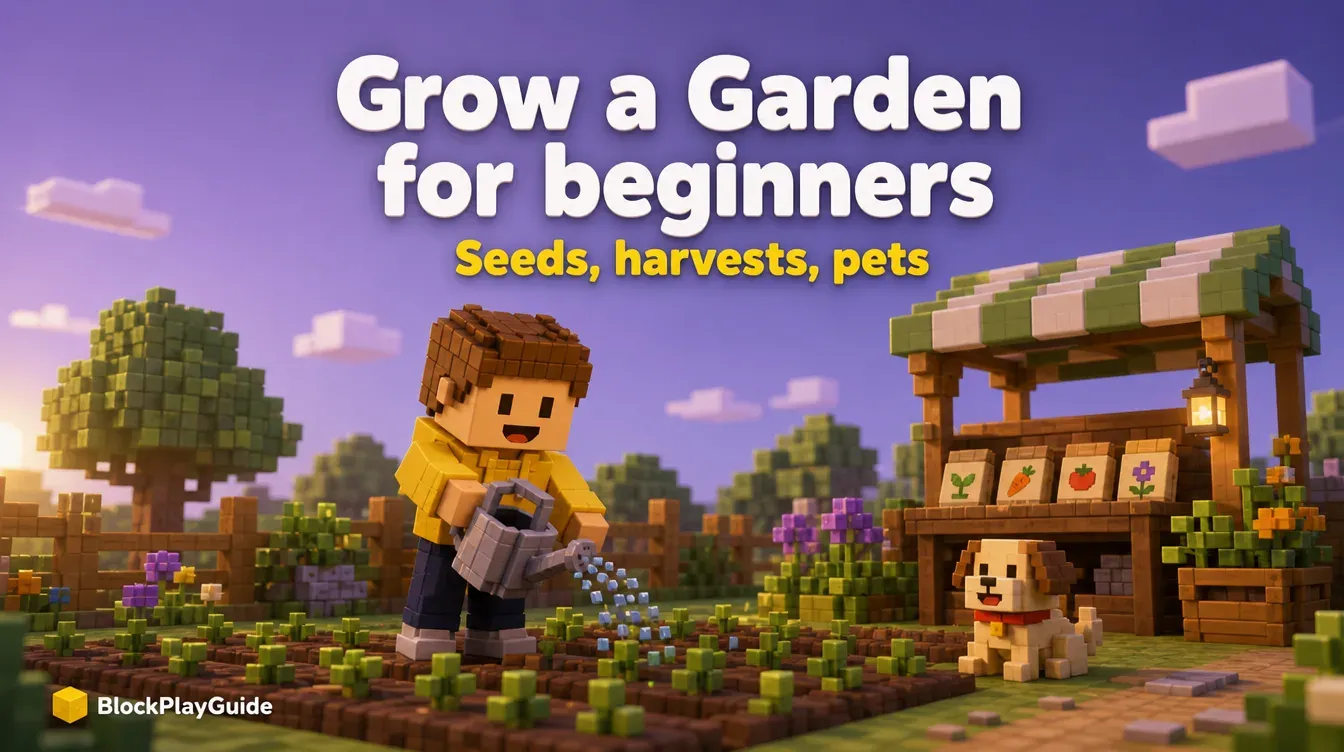
Grow a Garden Beginner's Guide: Seeds, Harvests, Pets and More
 By Vini Gürk · Editor
Published Oct 8, 2026 · 3 min read
In this guide
Grow a Garden is a calm farming game on Roblox: buy seeds, plant them, wait, harvest and sell. It became one of the most-played games on Roblox in 2025 because it is easy to start and keeps working while you are away. This guide covers what a new player needs in the first hour, plus what parents should know about trading and spending.
The basic loop
The game’s own Roblox page explains it in four steps:
- Equip a seed from your inventory.
- Click a brown plot on your farm to plant it.
- Wait while it grows.
- Harvest when it is fully grown, then sell the crop.
The money you earn is called Sheckles. You spend it on more seeds, better seeds, gear and eggs. The page also says your garden keeps growing while you are offline, which is the biggest beginner tip in the game: plant before you log off.
Roblox labels Grow a Garden Minimal, its lowest content maturity label.
The seed shop
Seeds come from the seed shop on your server. Guides report that its stock refreshes about every 5 minutes, and that common seeds such as carrots, strawberries, blueberries and tomatoes show up reliably while rare seeds appear less often.
Some seeds are one-time crops: you harvest once and the plant is gone. Others are multi-harvest crops that keep producing after you pick them, such as blueberries, tomatoes and strawberries. Early on, multi-harvest crops are the better deal because one purchase keeps paying.
| Crop type | What happens after harvest | When to buy |
|---|---|---|
| Single harvest | The plant disappears | When you have spare plots and Sheckles |
| Multi-harvest | The plant regrows fruit | First, to build steady income |
Harvesting and selling
Not every harvest is worth the same. Guides note that size, weight, rarity and mutations (special variants, often caused by weather events in the game) change what a crop sells for. Two habits help:
- Look before you sell. A mutated crop can be worth far more than a normal one.
- Fill every plot. Empty soil earns nothing, even while you are offline.
Pets and eggs
Once your farm makes steady money, you can buy eggs and hatch pets. Each pet has a passive ability that helps your garden. Hatching is random, so the same egg can give different pets, and rarer eggs cost more and take longer to hatch.
A sensible order for beginners:
- Build income with multi-harvest crops first.
- Buy the cheapest egg when you can afford it without emptying your Sheckles.
- Save rare eggs for when your farm can earn the money back quickly.
Events and codes
Grow a Garden runs frequent events tied to updates and seasons. Events can add limited seeds, eggs or pets for a short time, and they are when new codes usually appear. Our Grow a Garden codes guide shows how to redeem codes in the settings menu and how to check that a code came from the developers.
For parents: trading scams and Robux
- Trading attracts scams. Rare pets and seeds are valuable to players, so strangers may promise a rare pet if your child “joins this other server” or “visits this site first.” Teach one rule: no deal needs a password, a link or a download.
- Robux purchases are optional. Some eggs, seed packs and instant restocks can be bought with Robux. A monthly spending limit on a linked parent account caps those purchases; our parents’ guide shows how.
- Codes never give Robux. Any page promising Robux for a code or survey is a scam, as explained in why generators are scams.
- Protect the account with 2-step verification using our account security checklist.
If your child likes calm building and collecting games, our best Roblox games by genre and games like Roblox suggest a few more.
Sources checked October 2026: Grow a Garden on Roblox (description and how to plant), Roblox help: Content Maturity Labels, Gamezebo: Grow a Garden seeds and restocks, Deltia’s Gaming: seed and gear shop stock, Deltia’s Gaming: pet egg guide, esports.gg: Grow a Garden concurrent-player record.
Frequently asked questions
Does my garden grow when I'm not playing?
Yes. The game's Roblox page says your garden grows while you are offline, so planting before you log off is a good habit.
How often does the seed shop restock?
Guides report that the seed shop stock refreshes about every 5 minutes. Common seeds show up often; rare ones appear less.
Do I need Robux to play Grow a Garden?
No. Seeds, eggs and upgrades can all be bought with Sheckles, the in-game money you earn from selling crops. Some items and restocks can also be bought with Robux, which is optional.
Is Grow a Garden the same as Grow a Garden 2?
No. Several separate Roblox experiences use the name Grow a Garden 2, each with its own progress and codes. This guide covers the original Grow a Garden; check that the creator on the game page is The Garden Game.