How to Fix Roblox Lag With Built-In Settings
 By Vini Gürk · Editor
Published Oct 10, 2026 · 4 min read
In this guide
Lag on Roblox usually has one of three causes: a slow connection, a device working too hard, or other apps eating its resources. Each one has a fix inside Roblox or your device settings, and none of them needs a download.
This guide follows the steps in Roblox’s own help center, in the order that solves the most problems.
First, figure out which lag you have
Roblox’s help article on lag splits it into three types:
| What you see | Type | Where to start |
|---|---|---|
| Other players warp around, actions take a long time to happen | Network lag | Your connection |
| Stuttering, choppy visuals | Graphics lag | Graphics Quality |
| Still slow after lowering graphics | System lag | Other apps, then the device |
Knowing which one you have saves time. Lowering graphics won’t fix a bad Wi-Fi signal, and a faster connection won’t fix an old graphics card.
Lower Graphics Quality
This is the single most useful setting, and it works on every device.
- While playing, press Esc or tap the Roblox logo in the upper left to open the menu.
- Open the Settings tab.
- Change Graphics Mode from Automatic to Manual.
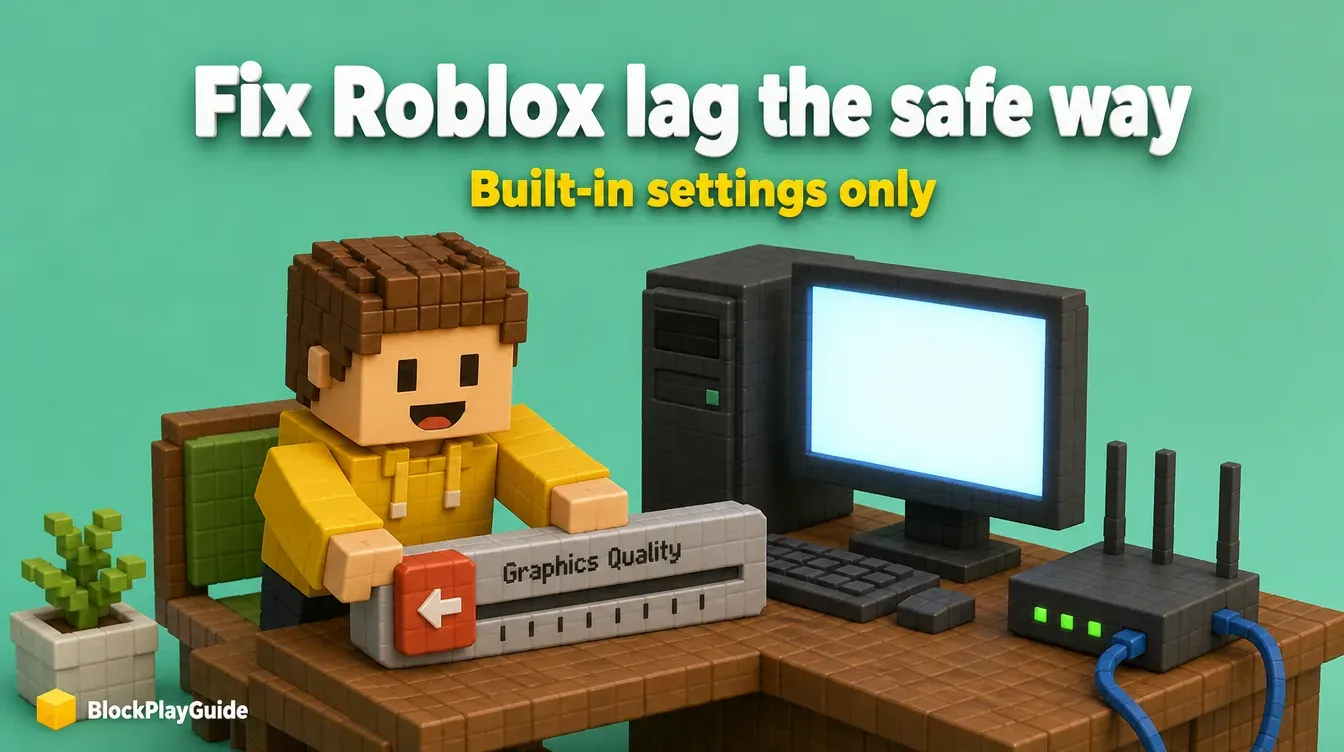
- Move the Graphics Quality slider to the left for better performance.
- Press Resume or Esc to go back to the game.
Roblox notes that lower graphics reduce some visual quality but make your device work less, which often means smoother play. Move the slider a few steps at a time and play for a minute between changes. Find the highest level that still feels smooth.
If you’d rather let Roblox decide, set Graphics Mode back to Automatic and the device will pick the level.
Set the frame rate cap
On Windows, Roblox added a built-in Maximum Frame Rate setting in the same Settings menu. It lets players with high-refresh monitors run above 60 frames per second without any external download, which was the whole reason people used FPS unlockers. Roblox’s announcement said the setting started on Windows and would come to Mac later, so check your own Settings menu to see if it is there.
A higher cap only helps if your computer can actually reach that frame rate. If the game keeps dropping below the cap, a lower, steady setting usually feels smoother.
Check your connection
For network lag, Roblox’s help center suggests these steps:
- Use a wired connection if you can. Plugging a computer or console into the router with a cable rules out Wi-Fi problems.
- Check your speed. Roblox recommends at least 4-8 Mb/s for a single-user household and more bandwidth for larger households where others stream or download at the same time.
- On phones, prefer Wi-Fi. Roblox suggests Wi-Fi over a 3G or 4G mobile connection for a faster, more stable game.
- Look at your firewall or security software. Roblox says connection problems are very often a firewall issue. Make sure Roblox is allowed.
- On a browser, turn off ad-blockers for roblox.com. Roblox says they can stop a game from fully loading.
Free up your device
If lag continues after lowering graphics, Roblox’s help center points at system lag:
- Close other heavy apps. Video calls, streaming tabs and other games compete with Roblox for memory and processing.
- On computers, update your graphics driver from your graphics card maker’s support page. Roblox lists outdated drivers as a common cause of graphics problems.
- On phones and tablets, close background apps. Roblox’s iPhone memory guidance also suggests a lower graphics setting or a less demanding game.
- Check the minimum requirements. Roblox needs 64-bit Windows 10 or 11, macOS 10.13 or newer, iOS 14 or newer, or Android 8.0 or newer. On older or low-power devices, Roblox says you may need to play on a more powerful device.
Some lag isn’t on your side at all. A big or badly built game can run slowly for everyone, and Roblox’s help center says only that game’s creator can fix it. Try a different server or another game to compare.
Why we don’t recommend unlockers or third-party launchers
Third-party “FPS unlockers,” custom launchers and bootstrappers that tweak the Roblox client are popular in videos. Roblox’s anti-cheat help page is clear that using modified versions of the app, or any software that changes the way Roblox works, is against its rules, and that accounts can be temporarily suspended or permanently banned for it. Some of these tools are also packaged with malware.
The built-in frame rate setting now covers the main reason people installed them. For a child’s computer, a simple rule works: no .exe or .zip files from video descriptions or Discord links. Our account security checklist and hacked account guide cover what to do if something already went wrong. Playing on a phone or tablet? See our Roblox on mobile guide.
Sources checked October 2026: Roblox help: How to Reduce Lag and Speed Up Play, Roblox help: Graphics Quality, Roblox help: General Connection Problems, Roblox help: Graphics Problems on Computers, Roblox help: Computer Hardware and Operating System Requirements, Roblox help: Mobile System Requirements, Roblox help: iOS low memory warning, Roblox help: Anti-cheat Messages, Roblox DevForum: Introducing the Maximum Framerate setting.
Frequently asked questions
What is the fastest way to reduce Roblox lag?
Open the in-game menu, go to Settings, switch Graphics Mode to Manual and move the Graphics Quality slider to the left. Then close other apps running on the device.
How can I tell if lag is my internet or my device?
Roblox's help center says network lag makes other players warp around or actions take too long, while graphics lag shows up as stuttering, choppy visuals.
Are FPS unlockers and custom Roblox launchers safe?
We don't recommend them. Roblox's rules ban modified versions of the app and software that changes the way Roblox works, and accounts can be suspended or banned. Downloads like these are also a common way to spread malware.
What internet speed does Roblox need?
Roblox's help center recommends at least a 4-8 Mb/s connection for a single-user household, and more bandwidth for larger households.