Minecraft vs Roblox for Kids: A Parent's Comparison
 By Vini Gürk · Editor
Published Oct 8, 2026 · 4 min read
In this guide
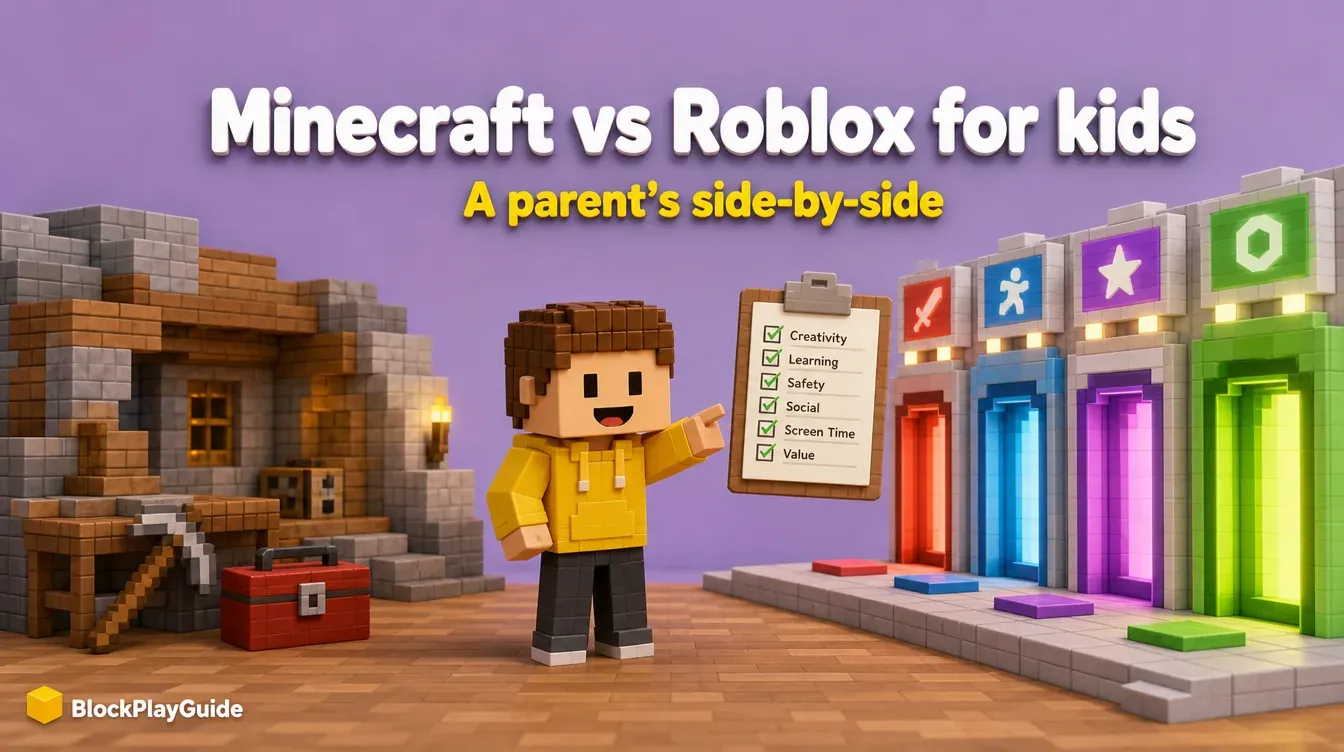
Minecraft and Roblox are the two blocky games most kids ask for, and they look similar in screenshots. They work very differently once your child starts playing. This page compares age ratings, cost, who your child can talk to, and the parental controls each one offers, using the ESRB, Microsoft and Roblox’s own pages.
The short version
- Minecraft is one game you buy once. Your child builds, explores and survives in worlds that can stay completely offline or be shared only with friends you approve.
- Roblox is a free platform full of games made by other users. The variety is huge, but so is the range of content and the number of strangers your child can meet.
Neither is “bad.” The right pick depends on your child’s age and how much setup you are ready to do.
Ratings, cost and exposure side by side
| Minecraft | Roblox | |
|---|---|---|
| ESRB rating | E10+ (Fantasy Violence) | T for Teen (Diverse Content: Discretion Advised) |
| Interactive elements listed by ESRB | Users Interact, In-Game Purchases on newer console listings | Users Interact, In-Game Purchases (Includes Random Items) |
| Price to start | One-time purchase: $29.99 for Java & Bedrock on PC (Microsoft Store, Oct 2026) | Free to download |
| Ongoing spending | Optional: Marketplace items with Minecoins, Realms subscription | Optional, but central: Robux for avatar items and game perks |
| Can play fully offline | Yes, single-player worlds | No, every game runs online |
| Who your child meets | Only people on the same world, server or Realm | Other players in any game they join |
The ESRB explains that Roblox’s “Diverse Content” notice exists because a platform with millions of user-made games contains a wide range of maturity levels, so parents may need to go one step further to manage access. Minecraft’s rating covers the base game; servers run by other people are not rated.
Prices on phones and consoles differ. On the US App Store, for example, Minecraft listed at $6.99 in October 2026. Check the store on your child’s device.
Chat and multiplayer: where the real difference is
In Minecraft, multiplayer is opt-in. A child can play alone, on a local world with a sibling, on a private Realm you pay for and control, or on public servers. Public servers are run by third parties, each with its own rules and moderation. Our Realms setup guide for parents shows how to keep play inside a small, invite-only world.
In Roblox, nearly every game is multiplayer and made by another user. Roblox says every user must complete an age check to unlock chat, and parents can turn chat off for children under 13. Content maturity settings decide which games appear. Our Roblox parents’ guide walks through each setting.
Parental controls in each
| Control | Minecraft (Microsoft / Xbox Family Settings) | Roblox (linked parent account) |
|---|---|---|
| Where you set it | Xbox Family Settings app or Microsoft Family Safety | Your own Roblox account, linked to your child’s |
| Spending | “Ask to Buy” approval for purchases | Monthly spending limit |
| Chat and friends | Friend requests and “Ask a parent” approvals | Experience, direct, friends and voice chat controls |
| Multiplayer | Decide how your child plays with others online | Not separate: games are online by design |
| Screen time | Screen time limits | Daily limit for Roblox Kids accounts and Select users 9-12 |
| Content | Content restrictions by age | Maturity slider and blocking specific games |
Two details parents often miss:
- Microsoft’s Xbox Family Settings app has an Enable Minecraft option, which lets a child play Minecraft multiplayer even when online multiplayer is blocked for other games.
- Roblox says its monthly spending limit does not cap gift card redemptions, so a gift card from a relative still adds Robux.
Creativity and learning
Both games reward building. The difference is the ceiling:
- Minecraft teaches planning, resource management and, through redstone circuits, basic logic. Many families use creative mode as a digital LEGO set with no time pressure. Start with our Minecraft beginner’s guide.
- Roblox Studio is a full game-making tool with its own scripting language. An older child who wants to make games other people play can start for free; see Roblox Studio for beginners.
Which one fits your child
| Your situation | Our suggestion |
|---|---|
| Under 10, new to games | Minecraft, single-player or a private Realm with family |
| 10-12, friends already on Roblox | Roblox with a linked parent account, chat limited, spending limit set |
| Teen who wants to make games | Either: Roblox Studio or Minecraft add-ons. Compare Roblox’s DevEx rules first |
| You want to avoid in-game spending | Minecraft, base game only, with Ask to Buy on |
If your child wants something else in the same spirit, our list of games like Roblox covers Fortnite Creative, Terraria and Stardew Valley with their ratings. Whatever you choose, turn on 2-step verification: here is our Roblox account security checklist.
Sources checked October 2026: ESRB: Minecraft rating, ESRB: what parents need to know about Roblox, Microsoft Store: Minecraft Java & Bedrock for PC, Xbox Family Settings app, Roblox parental controls, App Store: Minecraft.
Frequently asked questions
Which is safer for a young child, Minecraft or Roblox?
Minecraft played offline or with friends on a private world is the lower-exposure setup, because a child only meets the people you invite. Roblox is built around joining games made by other users, so its chat and content settings need more attention from a parent.
What are the age ratings?
The ESRB rates Minecraft E10+ for Fantasy Violence and Roblox T for Teen with a Diverse Content: Discretion Advised notice. Both list Users Interact, and both offer in-game purchases.
Is Minecraft a one-time purchase?
The base game is. On the Microsoft Store, Minecraft: Java & Bedrock Edition for PC listed at $29.99 in the US and CA$39.99 in Canada in October 2026. Marketplace content and Realms subscriptions cost extra.
Is Roblox free?
Roblox is free to download and play. Spending happens through Robux, which buy avatar items and in-game perks, so a monthly spending limit is worth setting from day one.