Roblox Gift Card Not Working? Fixes for Common Redeem Errors
 By Vini Gürk · Editor
Published Oct 9, 2026 · 4 min read
In this guide
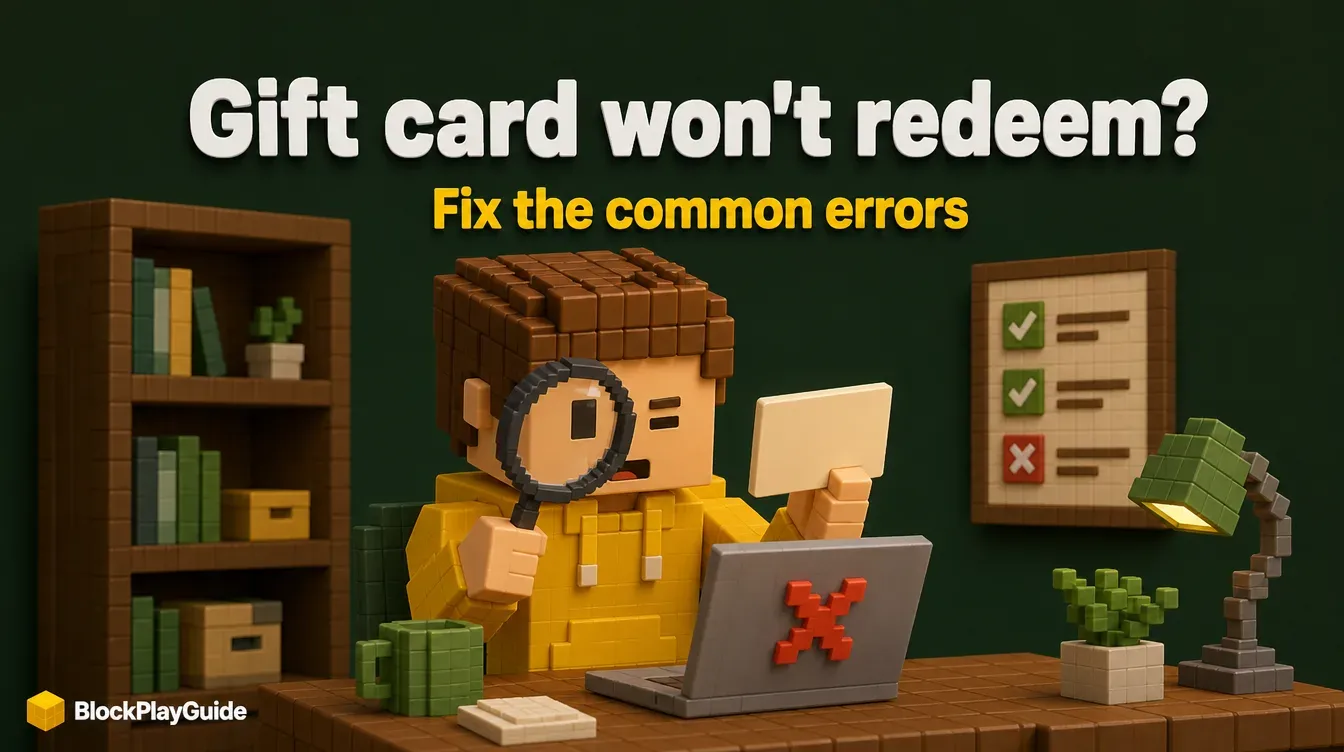
A Roblox gift card that refuses to redeem is almost always one of a handful of small problems: the wrong app, a misread character, or the wrong account. This guide goes through them in the order worth checking, then explains when to call the store and when to contact Roblox.
If you have not redeemed a card before, our Robux gift cards guide covers the basics first.
Check 1: are you on a web browser?
This catches more people than any other step. Roblox’s help center says redemption is not available in the standard mobile app or on consoles. Use a web browser on a phone, tablet or computer:
- Go to roblox.com/redeem.
- Log in to the account that should get the credit.
- Enter the code and click Redeem.
The one exception is the Roblox app on Samsung Galaxy devices, which has a Redeem tile on the More page.
Check 2: look-alike characters
If you see an error after entering the code, read it again character by character. Roblox lists the most common mix-ups:
| Typed | Try instead |
|---|---|
| 0 (zero) | O |
| 1 (one) | I (capital i) |
| 2 | Z |
| 5 | S |
| 6 | G or Q |
| 8 | B |
Enter cards one at a time. You can redeem as many as you like, but each code goes in on its own.
Check 3: the right account
Robux and credit go to whichever account is logged in when the code is redeemed. In a home with several Roblox accounts, it is easy to redeem on a sibling’s or a parent’s account by mistake.
If the code says it was already redeemed, check the balance on every account the family uses. Roblox’s help center says that if the code was still sealed and untampered with when you bought it, you should contact Roblox Support with your receipt and the code.
Check 4: you redeemed it, but where is the money?
A redeemed gift card is stored as Roblox Credit, not Robux, until you spend it. That confuses a lot of players:
- Credit can only be seen and used in a web browser, never in the Roblox apps.
- You find it on the redeem page (Available Credit, under the Redeem button) or in Billing Settings.
- From the redeem page, Get Robux turns credit into a Robux package.
Amazon gift cards and Party Pack cards are different. They redeem straight to Robux and cannot be held as credit. Our Robux to USD calculator helps if you want to see what a balance is worth in packs.
A note on cards from another country
A card bought in another country is not the problem. Roblox says all its codes can be redeemed worldwide, and the value is converted to your account’s local currency when you redeem. If a travel card fails, go back to checks 1 to 3.
Store or Roblox: who to contact
| Situation | Contact |
|---|---|
| Code from a store promotion never arrived | The retailer that ran the promotion. Roblox does not issue or reissue those codes. |
| Card bought on roblox.com/shopgiftcards, missing PIN | CashStar, Roblox’s partner for those cards, through its support form |
| Code shows an error after all the checks above | Roblox Support |
| Sealed card says already redeemed | Roblox Support, with the receipt |
| Card bought from an auction site or unauthorized seller | Roblox’s terms say these cards are not honored, so ask the seller |
Roblox does not refund gift cards, so a store receipt is your best protection.
What Roblox Support will ask for
Have this ready before you fill out the support form:
- Your Roblox username (or usernames)
- Purchase date and amount
- Store name and city, plus your country
- The gift card PIN and serial number
- A photo of the receipt
- Photos of the front and back of the card, or the full e-gift card
- A screenshot of the error message
Images must be .jpg or .png. Players under 18 need a parent or guardian’s consent to redeem, so a parent filling out the form is normal. Never give the PIN to anyone who contacts you first claiming to be support; our account security guide covers that scam.
Sources checked October 2026: Roblox help: redeem and spend your gift card, Roblox help: managing Roblox Credit, Roblox help: retail codes, Roblox gift card terms (US), Roblox gift card terms (Canada).
Frequently asked questions
Why does my Roblox gift card say invalid code?
Usually a look-alike character. Try swapping 0 for O, 1 for I, 2 for Z, 5 for S, 6 for G or Q, and 8 for B. Also make sure you are on roblox.com/redeem in a web browser.
Can I redeem a Roblox gift card in the app?
Not in the standard mobile app or on consoles. Use a web browser. Only the Roblox app on Samsung Galaxy devices has a Redeem option.
Does a Roblox gift card from another country work?
Yes. Roblox says all its codes can be redeemed worldwide, and the value converts to your account's local currency.
My card says already redeemed. What now?
Check the other accounts you or your family use first. If the card was still sealed when you bought it, contact Roblox Support with the receipt and the card details.
Can I get a refund on a Roblox gift card?
Roblox does not refund gift cards. If a card bought on roblox.com has a problem with its PIN, contact CashStar, the partner that sells those cards.