How to Find and Redeem Blox Fruits Codes
 By Vini Gürk · Editor
Updated Oct 8, 2026 · 4 min read
In this guide
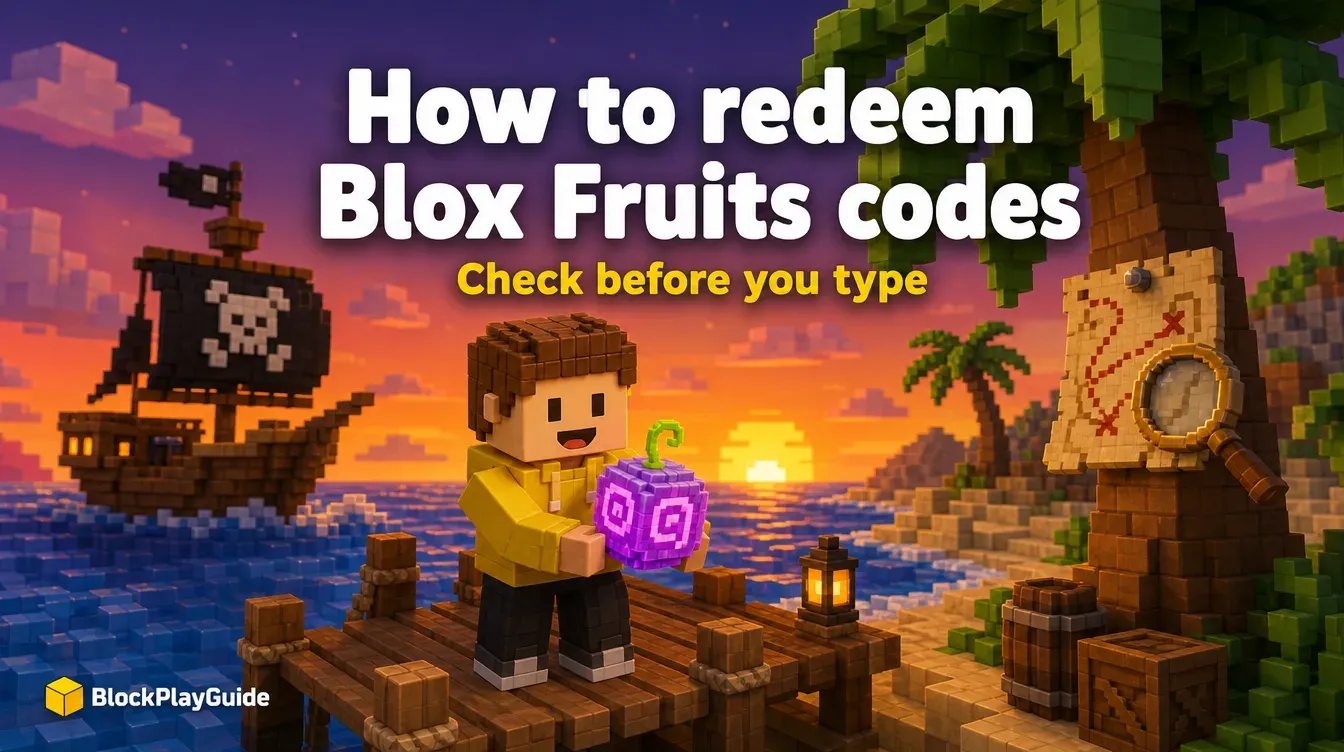
Blox Fruits is one of the most-played games on Roblox (its Roblox page shows billions of visits), and its codes are a small but nice bonus: short boosts and resets that make grinding a little faster. The catch is that codes expire quickly, and most lists online never remove the dead ones.
Here’s how codes work in Blox Fruits, how to redeem them, and where to find new ones yourself.
What Blox Fruits codes usually give
Developers decide what each code unlocks, and it changes from code to code. Over the game’s history, rewards have typically been things like:
- EXP boosts for a limited time, to level up faster.
- Stat resets, so you can move your stat points to a different build.
- In-game money (Beli) or small cosmetic extras on special occasions.
Codes don’t give Robux, permanent fruits, or game passes. If something claims they do, it isn’t a real Blox Fruits code.
How to redeem a code in Blox Fruits
- Open Blox Fruits from the Roblox app or roblox.com and join a server.
- Look for the codes button on the side of the screen. In recent versions it appears as a small gift-style icon on the left; the layout can change after updates.
- Click it to open the code box.
- Paste or type the code exactly as posted.
- Press Redeem. A message tells you whether it worked or has expired.
A few tips:
- Boosts are time-limited, so redeem an EXP boost when you have time to play rather than right before logging off.
- If the box doesn’t accept the code, check for a missing character or an extra space at the end.
- Rejoining a fresh server sometimes helps if the button doesn’t respond.
Where the developers post new codes
The game’s Roblox page lists the developer as Gamer Robot Inc, and the page itself points players to the group description for more info. New codes usually appear around an update. Good places to check:
| Source | How to find it | What to expect |
|---|---|---|
| The game’s Roblox page | Search “Blox Fruits” on roblox.com | Update notes in the description |
| The developer’s Roblox group | Click the creator name on the game page | Announcements and links |
| The developer’s X account and Discord server | Linked from the group or game page | Code drops around updates |
Only follow social links you reach from the game’s own Roblox page. Lookalike accounts copy names and logos to push fake “giveaways.”
How to check a code before you redeem it
- Start from the Blox Fruits page on Roblox, open the creator’s group, and follow the X or Discord link from there.
- Confirm the code appears in a post from that account, with a date near the latest update.
- Type it only into the game’s own Codes box. A real code never asks for your password, a login link, a download or payment.
- If the game says the code is invalid or expired, stop. Re-posts of the same code on other sites will not change that.
Spotting fake Blox Fruits code offers
Blox Fruits is a favorite target for scammers because rare fruits are valuable to players. Watch for:
- “Code for a free Permanent fruit / Dragon / Kitsune.” Codes don’t give fruits.
- Robux promises. No game code gives Robux, and Roblox says free-Robux offers are always scams. See our guide to free-Robux scams.
- “Log in to claim.” Any page that asks for your Roblox username and password is trying to take the account.
- Trade bait. Someone in chat offering a rare fruit if you “go to this site first” is running a scam.
- Scripts and “exploits.” The game’s page warns that exploiting is detected and can get you banned; downloads promising “auto farm” often carry malware.
If you typed your password somewhere suspicious, follow our account security checklist right away.
How we check codes
We only list a code when we find it on the developer’s own channel, dated within the last 60 days. Third-party code sites (including big gaming outlets) copy each other and often keep expired codes up, so we don’t treat them as proof.
As of October 8, 2026 we have not listed specific codes: we found none posted on the developer’s own channels within the last 60 days that we could confirm, only third-party lists. Use the sources above to get them straight from the developer; it’s faster than any list, including ours.
More codes and guides
- New to the game? Our Blox Fruits beginner’s guide covers the first hours.
- Grow a Garden codes work the same way: in-game, from the developers.
- Roblox promo codes are different: you redeem them on roblox.com for avatar items.
- Looking for another game to play? Check our best Roblox games by genre.
- Parents can set spending limits and chat controls with our parents’ guide.
Sources checked October 2026: Blox Fruits on Roblox, Roblox safety.